MCP Server
MCP Server
MCP Server
Connect your AI assistant to Surfe's people and company data. Search, enrich, and manage contacts directly from Claude, Cursor, or any MCP client.
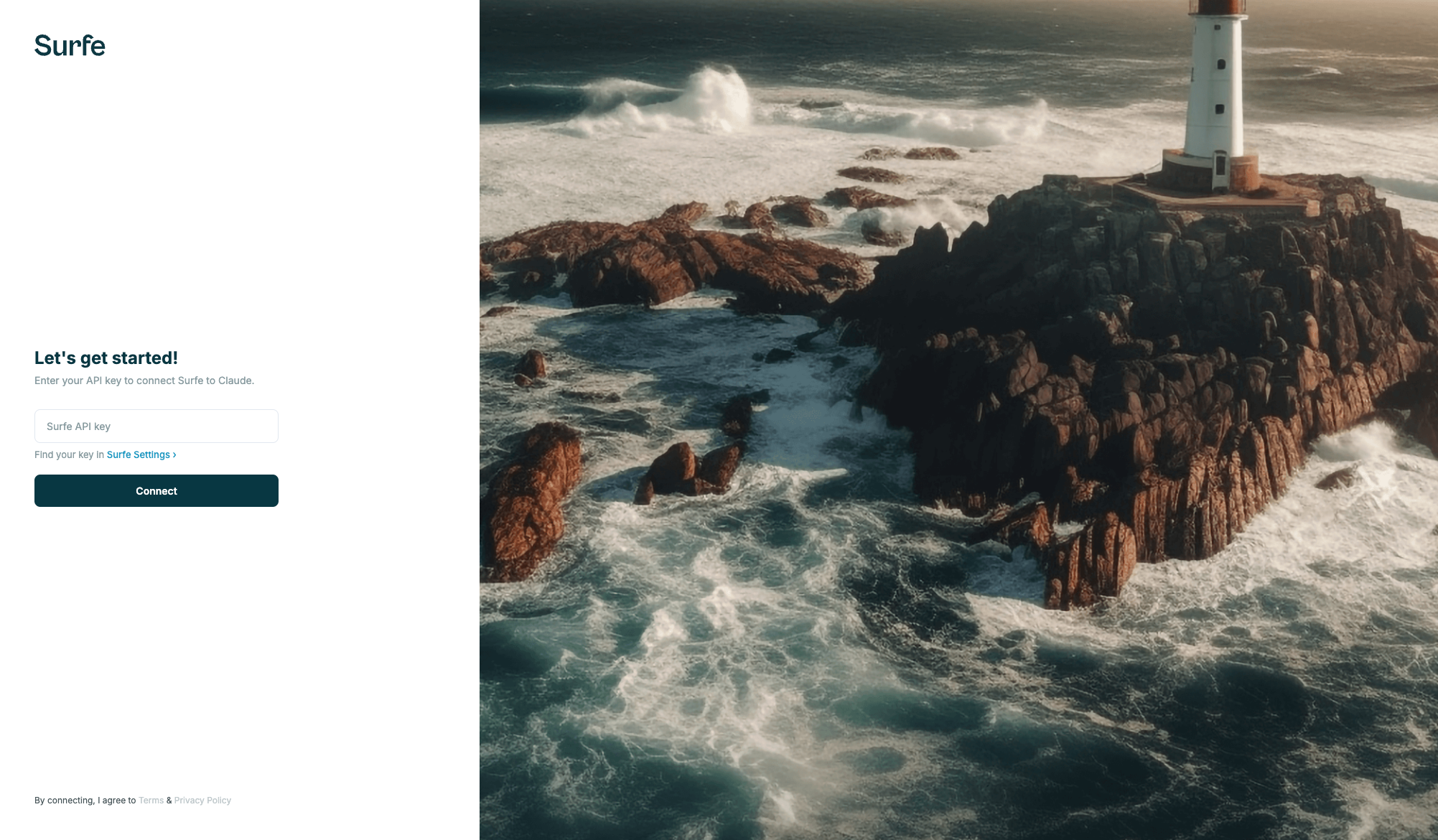
ve608a4fGo to Surfe Settings and create an API key. Claude Desktop will prompt you automatically.
Add the JSON config below to your MCP client settings.
Ask your AI to search for people, enrich contacts, or check credits.
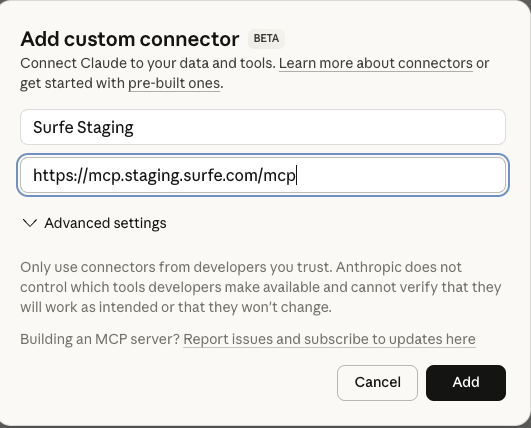
Add Surfe as a custom connector in Claude Desktop. You'll be prompted to enter your API key in the browser.
// claude_desktop_config.json
{
  "mcpServers": {
    "surfe": {
      "url": "https://mcp.staging.surfe.com/mcp"
    }
  }
}
Add the Surfe MCP server URL to your Cursor settings.
// .cursor/mcp.json
{
  "mcpServers": {
    "surfe": {
      "url": "https://mcp.staging.surfe.com/mcp"
    }
  }
}
Add the Surfe MCP server URL to your Windsurf settings.
// ~/.windsurf/mcp.json
{
  "mcpServers": {
    "surfe": {
      "url": "https://mcp.staging.surfe.com/mcp"
    }
  }
}
surfe_search_peopleRead-onlySearch for people based on various filters like job title, seniority, company, and location.
surfe_enrich_peopleWriteStart bulk enrichment of people to get emails, phone numbers, and LinkedIn profiles.
surfe_get_enrichment_statusRead-onlyCheck the status of a people enrichment and retrieve results when complete.
surfe_search_companiesRead-onlySearch for companies based on various filters like industry, size, location, and revenue.
surfe_enrich_companiesWriteStart bulk enrichment of companies to get detailed firmographic data.
surfe_get_company_enrichment_statusRead-onlyCheck the status of a company enrichment and retrieve results when complete.
surfe_get_creditsRead-onlyRetrieve the number of remaining credits for enrichment and search operations.
surfe_search_people
→
surfe_enrich_people
→
surfe_get_enrichment_status
surfe_search_companies
→
surfe_enrich_companies
→
surfe_get_company_enrichment_status
surfe_get_credits